

Type that
lights up.
Give titles and logos a glow of their own. Use brightness, luminance, or alpha to choose where the light begins.
Dial back the spread for a tight halo, or let it fill the frame.
Explore the controlsNatural bloom. Anamorphic light. Starburst glare.
Bring light out of your image, from saturated neon to the smallest reflection. Shape the spread, color, and character without losing sight of the original.
Drag across the image to compare.


Give titles and logos a glow of their own. Use brightness, luminance, or alpha to choose where the light begins.
Dial back the spread for a tight halo, or let it fill the frame.
Explore the controls
Stretch the bloom and rotate its diffusion. Separate the spectrum, add a tint, or bring in your own lens dirt.
Anamorphic glow with control over its shape, rather than the shape of your image.
Glow rendered with Optical Bloom.
Give reflections a soft bloom or a defined starburst. Choose the brightest points with a separate glare threshold, then shape their rays.
Drag to reveal the original.
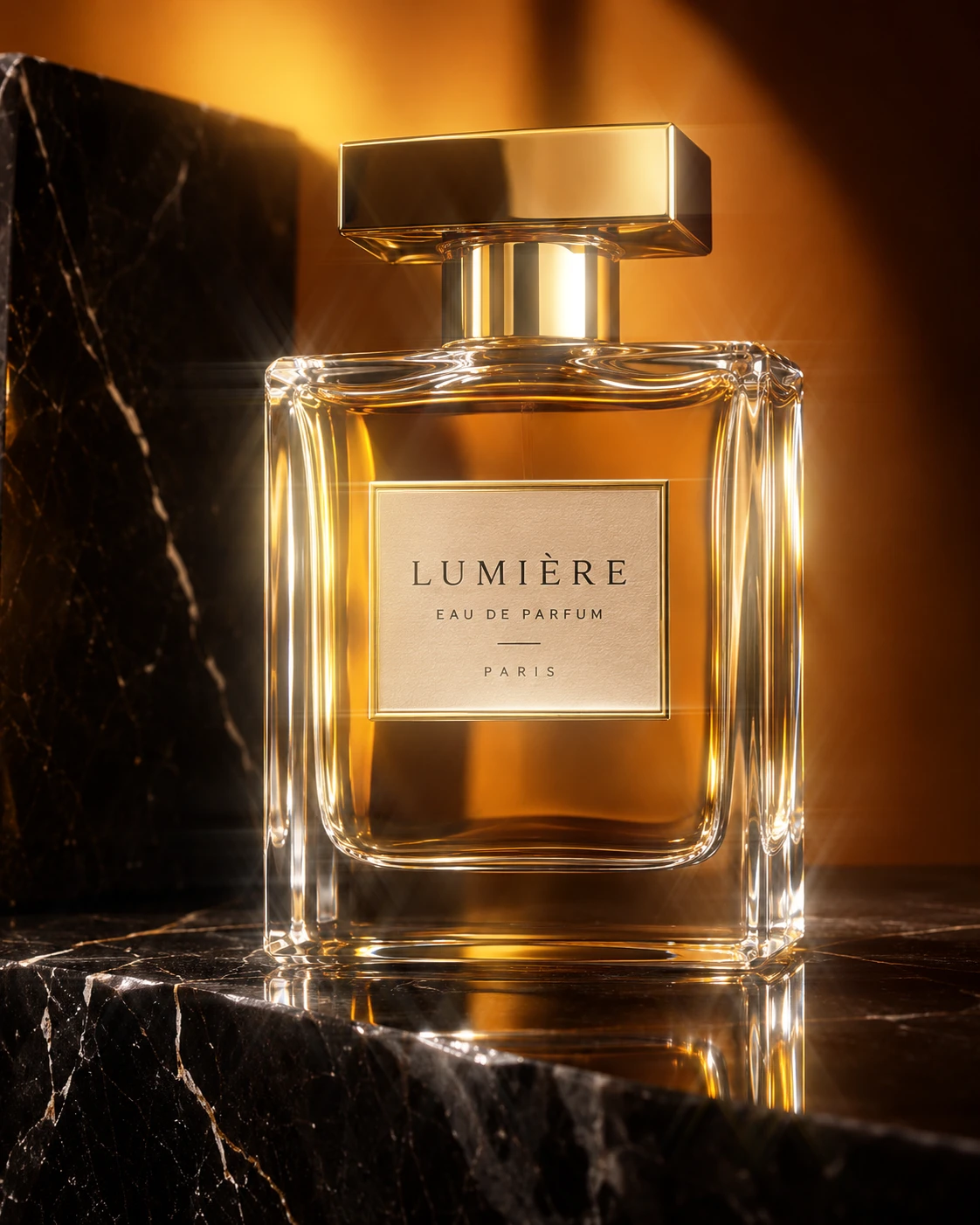
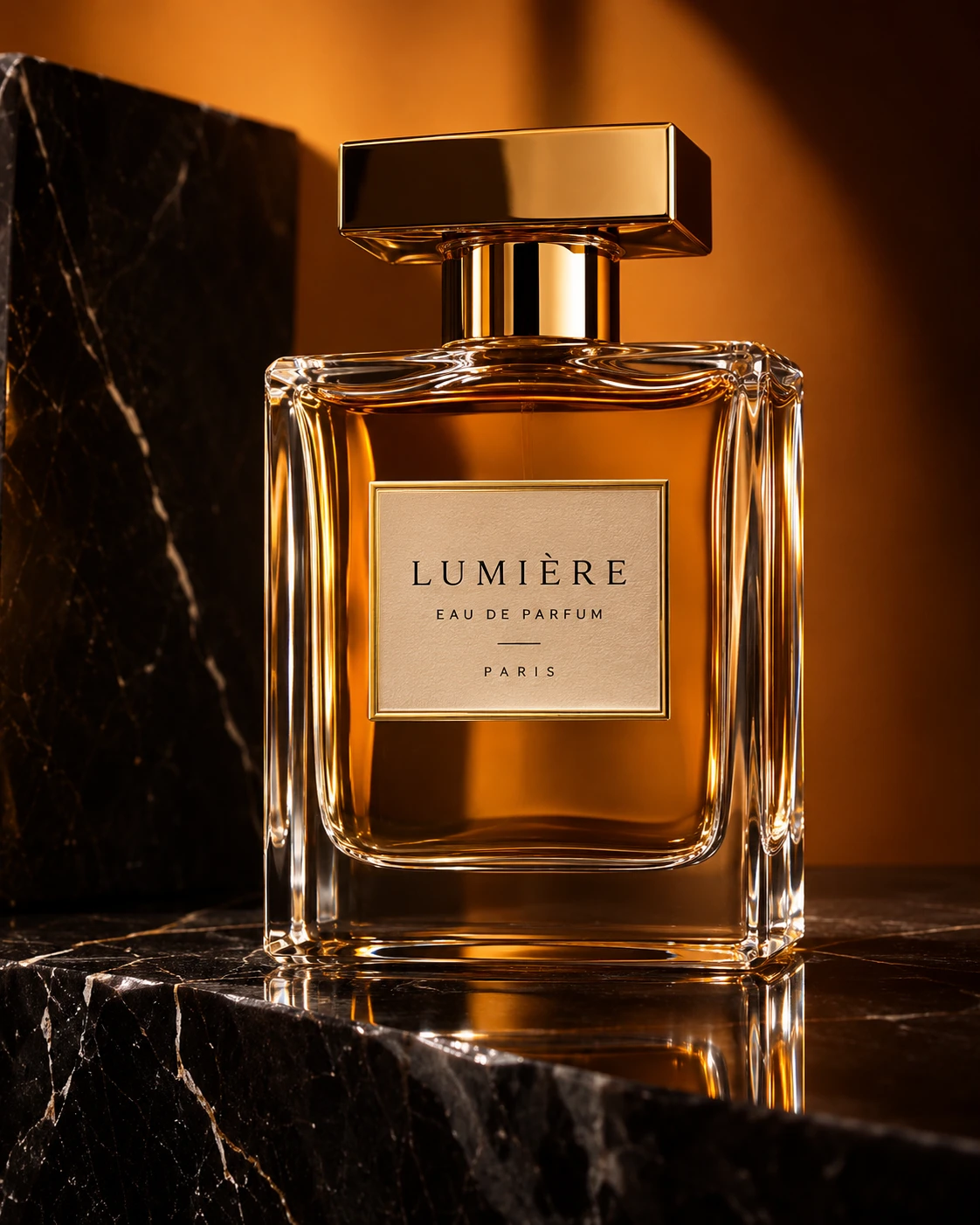
Start with Adaptive mode, then follow your eye. Everything from highlight selection to the final blend lives in one After Effects effect.
Choose what glows and how far the light travels.
Control intensity, radius, falloff, and inner glow. Adaptive thresholding responds to your scene; Physical mode gives you explicit HDR highlight selection, with Threshold and Soft Knee controls.
Stretch the light. Rotate its direction. Separate the spectrum.
Set the optical aspect ratio and angle to shape directional diffusion. Add Spectral Separation, or enable a custom Tint Color to give the glow its own palette.
Select the highlights that deserve a little more attention.
Glare has its own amount and threshold. Choose 2, 4, 6, 8, 10, or 12 rays, then adjust angle, length, and ray falloff. Balanced and Additive responses give you two ways to combine bloom and glare.
Let the brightest light reveal some texture.
Supply your own Dirt Map layer, set its intensity, and adjust Highlight Weight to control how the light reveals dust and imperfections.
Work with your image, your alpha, and your existing composite.
Choose Brightness, Luminance, or Alpha as the glow source. Blend with Add, Screen, or Soft Add. Inspect Final Result, Bloom Only, Threshold Mask, or Raw Input. Optical Bloom supports 8-, 16-, and 32-bpc processing, GPU acceleration on supported hardware, and a CPU fallback.
Made for Adobe After Effects
macOS & Windows
8 / 16 / 32 bpc
All the bloom, glare, and optical controls.
For Adobe After Effects.
By ASGARD Studio.
Yes. Optical Bloom is a free download, distributed through Gumroad with pay-what-you-want pricing. Enter 0 to download it free, or choose an amount to support development. The plugin is the same either way.
Glow is the familiar name for light spreading around a bright object. Bloom describes the diffusion of bright light through an optical system. Optical Bloom brings that optical character to your After Effects glow, from a subtle highlight to a broad, atmospheric halo.
Yes. Adaptive thresholding responds to the brightness of your image, so you can start with everyday graphics and footage. Choose Brightness, Luminance, or Alpha as your glow source, or switch to Physical thresholding for explicit HDR highlight selection.
Both are included. Stretch and rotate the bloom with the optical aspect ratio and angle controls. Add starburst glare with 2–12 rays, its own highlight threshold, and controls for length, rotation, and falloff. Balanced and Additive responses offer different ways to combine the light.
Optical Bloom has macOS and Windows renderers, with Metal on supported Macs and CUDA/OpenCL on supported Windows configurations, plus a CPU fallback. It supports 8-, 16-, and 32-bpc processing. Exact supported After Effects and operating system versions will be listed with the release download.
Installation instructions and the correct plugin for your system will be included with the download. Once installed, find Optical Bloom in the ASGARD Studio category in After Effects’ Effects & Presets panel, then apply it to your layer.